
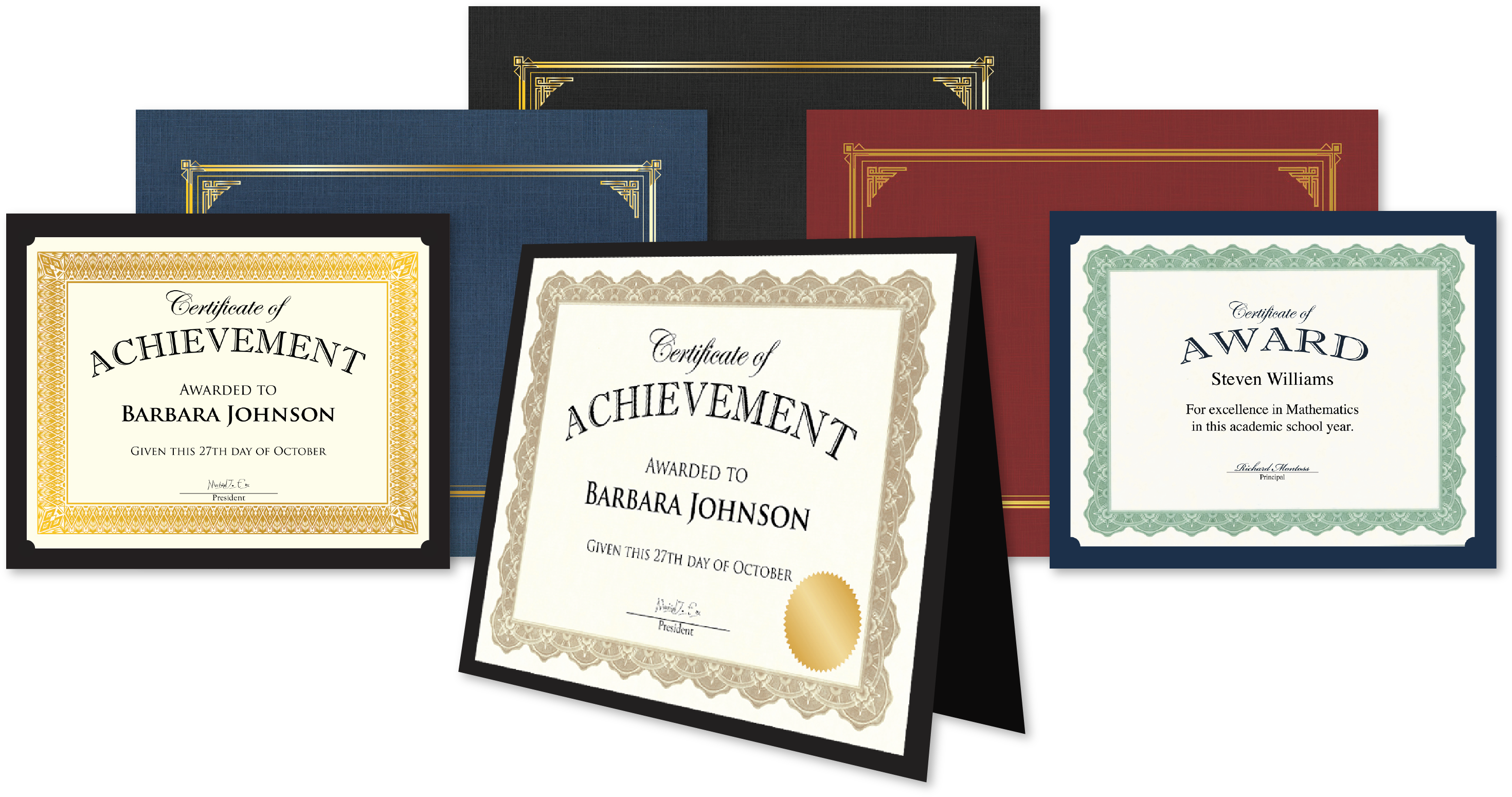
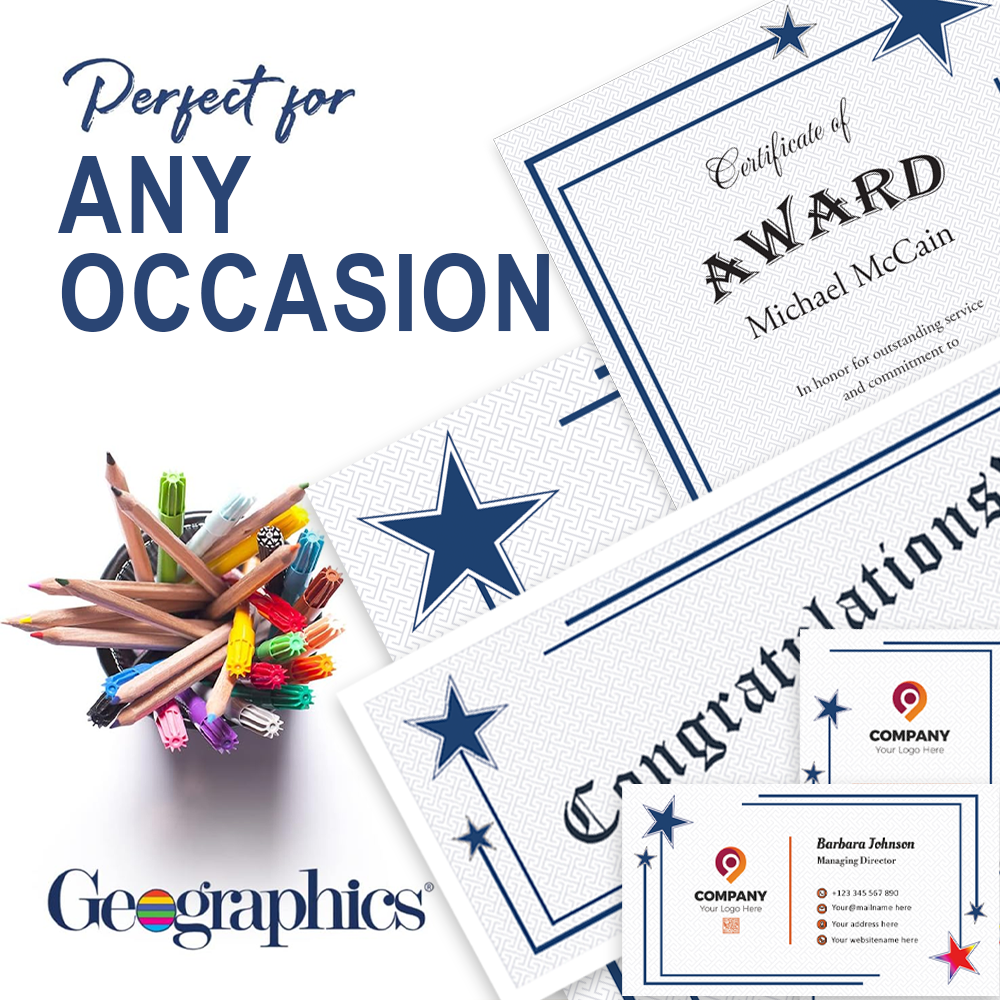



 Got a foot-tall stack of certificates to print? Forget typing names and accomplishments onto each one in turn. With the free, online software iClicknprint from Geographics, you can create countless personalized certificates in no time. The secret? Two words: mail merge.
Essentially, iClicknmerge is a way of transferring text from one source onto multiple items. With iClicknprint this means that you can create numerous customized certificates from one file, such as an Excel or a CSV (comma-separated values) file. All you need is a list of the recipients’ names and accomplishments, then you can import the information to text boxes on the certificates and print out the results.
Speed and convenience are obvious benefits to using iClicknmerge, but they’re not the only reasons to start using it. If you need to make a change to multiple certificates, it’s as easy as altering one Excel file—not 100 individual certificates. The ability to use “Find and Replace” or “Copy and Paste” on a single file instead of 100 can be a lifesaver. Using one source of data also reduces the likelihood of spelling or grammatical errors in the final product. And once the merge is set up, you can print as many certificates as you need as fast as your printer can make them.
iClicknmerge also allows for a greater degree of personalization. It’s easy to include special notes about accomplishments that make the certificates more meaningful. For students, you can recognize their individual accomplishments instead of using a general statement such as “outstanding achievement.” Instead, go down the list and write a personal note to your students—it’s easy, because they’re all in the same file. And once you’re done, you can save your work and use it for future certificates.
Best of all, it’s a simple process. iClicknprint provides a variety of templates for professional-looking certificates. All you need to do is organize the information you want on the certificates into basic categories, such as names and accomplishments. The software does the hard work of placing that information on each certificate. Print them out and you’re done. Now, compare that to typing out the names and accomplishments of your students onto each certificate in turn!